Pricing in Booking Phoenix is organised into pricing groups. Each group has an effective date and a set of prices that apply from that date forward, letting you schedule price rises (or promotional drops) in advance without editing anything live. This guide covers creating a group, adding pricing tiers, and using breakpoints.
1. Open the Pricing tab
Go to Rooms, click Edit on the room you want to price, then select the Pricing tab at the top of the modal.
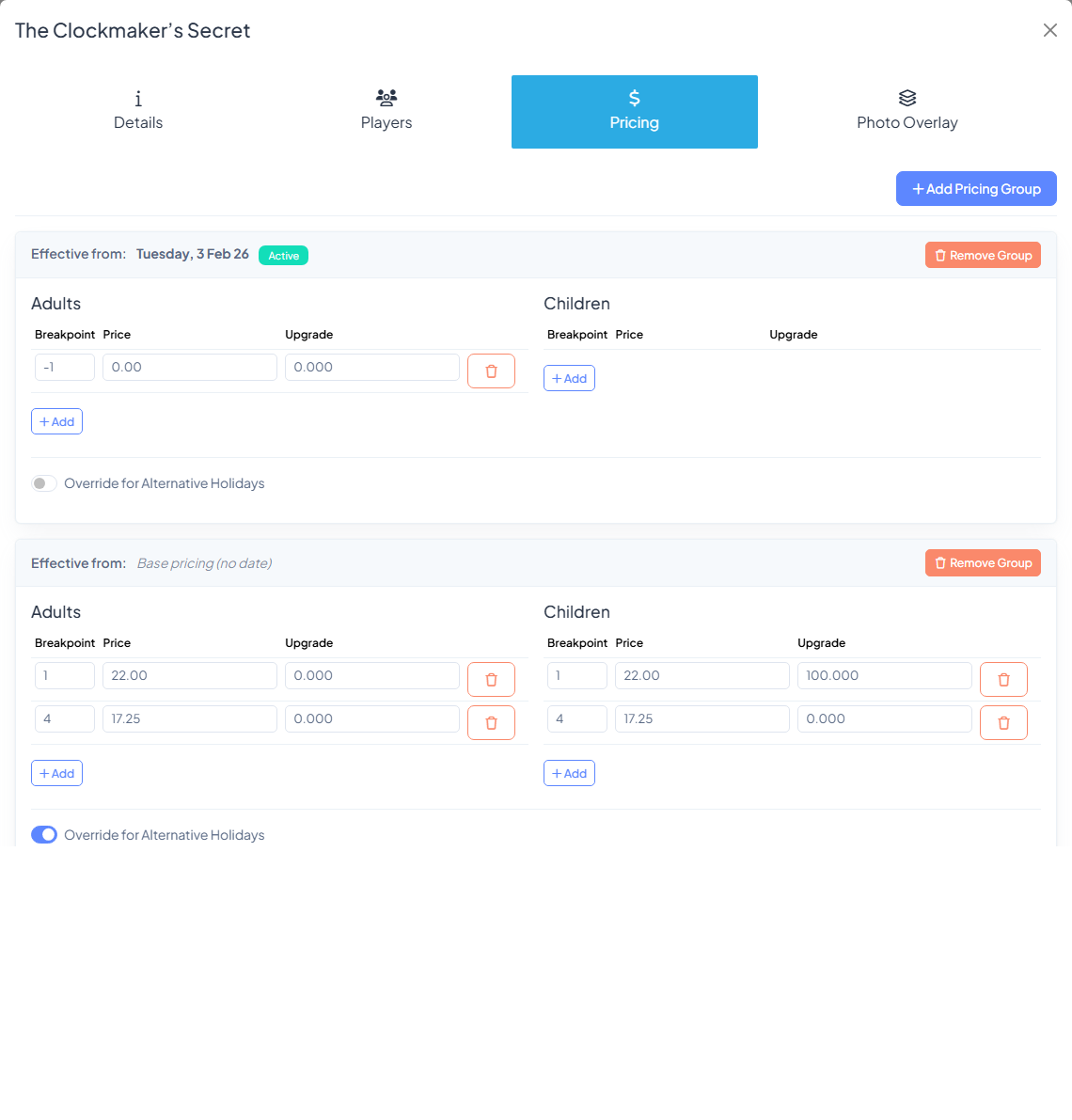
2. Understand pricing groups
Each card on the Pricing tab is one pricing group. The header shows its effective date — the date from which those prices apply. The group with the most recent effective date on or before today is the one currently active (marked with a green Active badge).
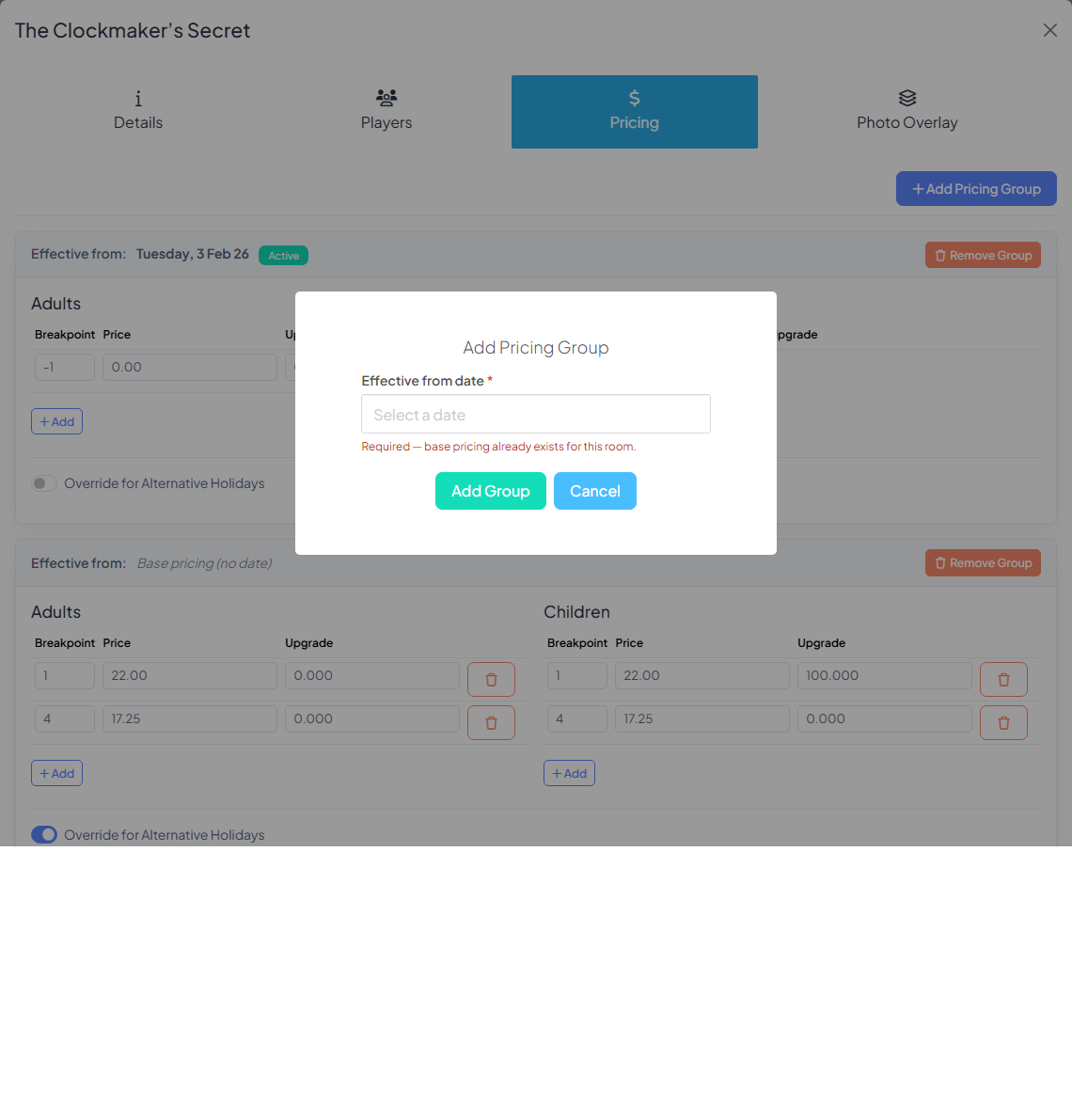
3. Add a new pricing group
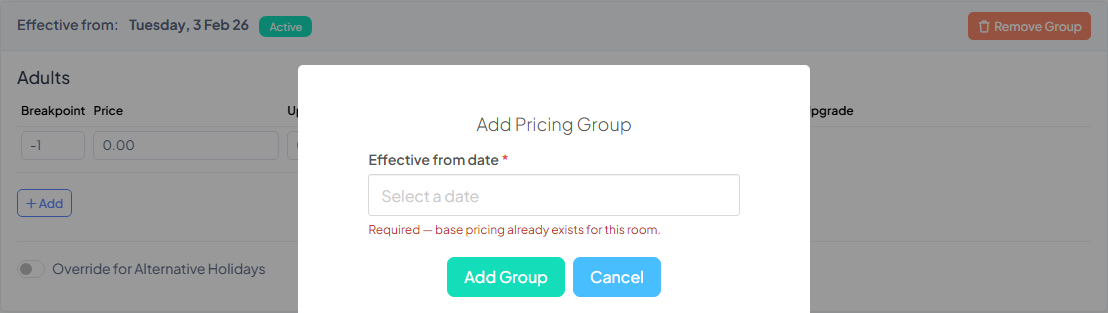
Click Add Pricing Group. You'll be asked for an effective date — pick the date you want the new prices to start. The new group appears as an empty card.
4. Add prices with breakpoints
Each pricing group is split into columns (typically by player type — Adult, Child, etc., depending on your branch settings). Inside each column is a table with three fields per row:
- Breakpoint — the minimum number of players this price applies at.
0means the base/default price (no minimum). Use higher numbers for volume discounts. - Price — the per-player price at that breakpoint.
- Upgrade — an optional extra charged on top (used for premium upgrades, add-ons, etc.).
Example. To charge $55 per adult for groups of 1–3, and $45 per adult for groups of 4 or more:
- Row 1: Breakpoint
0, Price55 - Row 2: Breakpoint
4, Price45
Click Add under each column to add another breakpoint row, and the red trash icon to remove one.
5. Save
Click Save at the bottom of the modal. The new group takes effect on its effective date — no further action needed.
Scheduling a price rise
The recommended workflow:
- Leave your current group untouched.
- Click Add Pricing Group.
- Set the effective date to the day the new prices start (e.g. the first of next month).
- Copy across the pricing structure and update the amounts.
- Save.
Bookings taken today will still use the current prices. Bookings taken on or after the effective date automatically switch to the new group.
Function rooms
Function rooms use a simplified single-price field on the Details tab — they don't use pricing groups or breakpoints.
Was this article helpful?
That’s Great!
Thank you for your feedback
Sorry! We couldn't be helpful
Thank you for your feedback
Feedback sent
We appreciate your effort and will try to fix the article